
Blog ·
Automatically lock your garage service door when you leave home
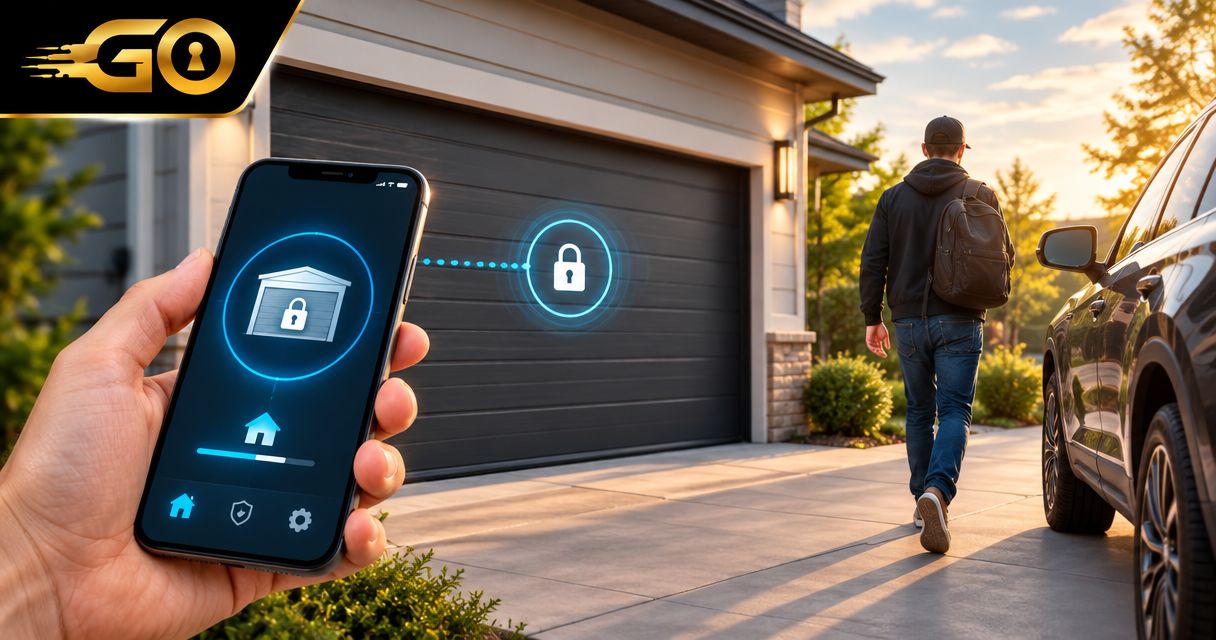
Instead of checking your garage service door every time you leave, use a compatible smart lock with a departure routine that locks it after the door closes. The important safeguard is a confirmed closed-door state: a location trigger alone does not tell you whether the door is shut.
TL;DR
- To automatically lock your garage service door when leaving home, confirm departure, door closure, and successful locking.
- Use last-person departure for shared homes; one phone leaving does not mean the house is empty.
- A timed relock is simpler, but it does not detect departure or necessarily check door position.
- GO Locksmith provides residential lock repair and replacement; confirm automation compatibility with the hardware manufacturer.
Why the garage service door needs its own routine
A garage service door is the hinged pedestrian door, not the overhead vehicle door. It might open outdoors or connect the garage to the house, so identify exactly which door you want the routine to secure.
Closing the overhead door does not confirm that the pedestrian door is locked. Likewise, a smart lock reporting an extended bolt does not necessarily confirm that the bolt entered the strike in a closed frame.
Treat departure, door position, and lock status as separate checks. Automation should connect those checks rather than substitute one for another.
Start with the physical lock. If you must pull, lift, or push the door to turn the deadbolt, read the guide to repairing versus replacing an exterior door lock before configuring a routine.
Before you start
- Compatible equipment and account access: Have the lock's exact model, its manufacturer instructions, administrator access, and access to the home-automation platform you intend to use. Confirm that the integration supports a lock action, departure triggers, and the conditions you need; compatibility with an app alone does not establish all three.
- A reliable door and recovery method: The door must latch normally, and the deadbolt must move freely with the door closed. Keep the manufacturer's supported backup entry method accessible outside the locked space, and get permission before modifying rented property or a shared door.
- The easily missed gotcha: A lock's bolt-position report is not a door-position sensor. Confirm whether your equipment actually detects an open door and whether that state is available to the automation; otherwise, a departure routine can extend the bolt while the door is still open.
If this is the door between your house and an attached garage, preserve its required fire-protection and closing features. Check applicable requirements before drilling, replacing hardware, or changing how the door closes; a smart-lock retrofit is not permission to alter a rated assembly.
Choose the trigger that matches your household
There are several ways to automate relocking, but they answer different questions. Choose by the event you actually need to detect, not by the most convenient setting in an app.
| Workflow | Best for | Advantage | Limitation |
|---|---|---|---|
| Last-person departure | Shared homes that need away-only locking | Uses household occupancy rather than one person's departure | Depends on enrolled phones, permissions, and supported presence logic |
| Door-close relock | Households that want the door locked after use | Responds to the door closing, whether anyone leaves home or not | Requires supported door-position sensing and can lock someone outside |
| Timed relock | Owners who want a simpler reminder-free lock cycle | Does not need a departure event | Can act while someone is still using the doorway and does not necessarily check closure |
Use last-person departure when your goal is specifically to lock after everyone leaves. Choose door-close relocking instead when the door should stay locked even while someone remains home.
A timer is a separate fallback, not proof that the home is empty. Check the lock's documented behavior before combining its built-in relock feature with another automation.
Departure trigger
The following steps describe the rule logic rather than a particular app's screens. Menu names and available actions differ by lock, integration, and software version; use the manufacturer's current instructions for the exact controls.
- Identify the door. Match the device in the app to the physical service-door lock. Rename it clearly if the platform allows, especially if the property has both a garage entry and a house-to-garage door.
- Check remote operation. From a safe position with backup entry available, confirm that the intended platform can operate the lock through the connection the automation will use. A nearby Bluetooth connection does not establish remote operation after your phone leaves.
- Choose departure. Select the supported event for leaving home. In a shared household, use a last-person-leaves event or an equivalent documented occupancy condition rather than treating one resident's phone as the whole household.
- Check phone permissions. Follow the platform's requirements for location, background operation, and household membership. Include every resident whose presence should prevent the home from being marked empty.
Expected result: The platform identifies the intended departure event and targets only the correct service-door lock. Do not enable unattended locking yet.
Be clear about the limitation of phone-based presence: it tracks participating devices, not people directly. Someone who leaves a phone at home, a guest without an enrolled device, or a resident with disabled permissions can produce a different occupancy state from the one you expect.
Door-closed safeguard and lock action
Build the rule around a closed door, not just a command to extend the bolt. If your platform cannot combine the required trigger and condition, do not assume that a similarly named routine provides the same protection.
- Check door closure. Confirm that the door-position sensor changes correctly when you open and close the door. Use only a sensor and installation method supported for your equipment.
- Require closure. Add a condition that allows the lock action only when the service door reports closed. If no usable door-position state exists, stop and reassess the workflow rather than treating bolt status as a substitute.
- Lock the door. Choose the explicit lock action, not a toggle. A toggle reverses the current state and is the wrong instruction for a routine whose only purpose is to secure the door.
- Confirm completion. Where supported, add a failed-action or unlocked-door notification. Prefer confirmation of the reported result over a message that merely says the routine started.
Expected result: Departure can request locking only when the door reports closed, and you have a way to identify an unsuccessful action. Do not assume that a command being sent means the door is secured.
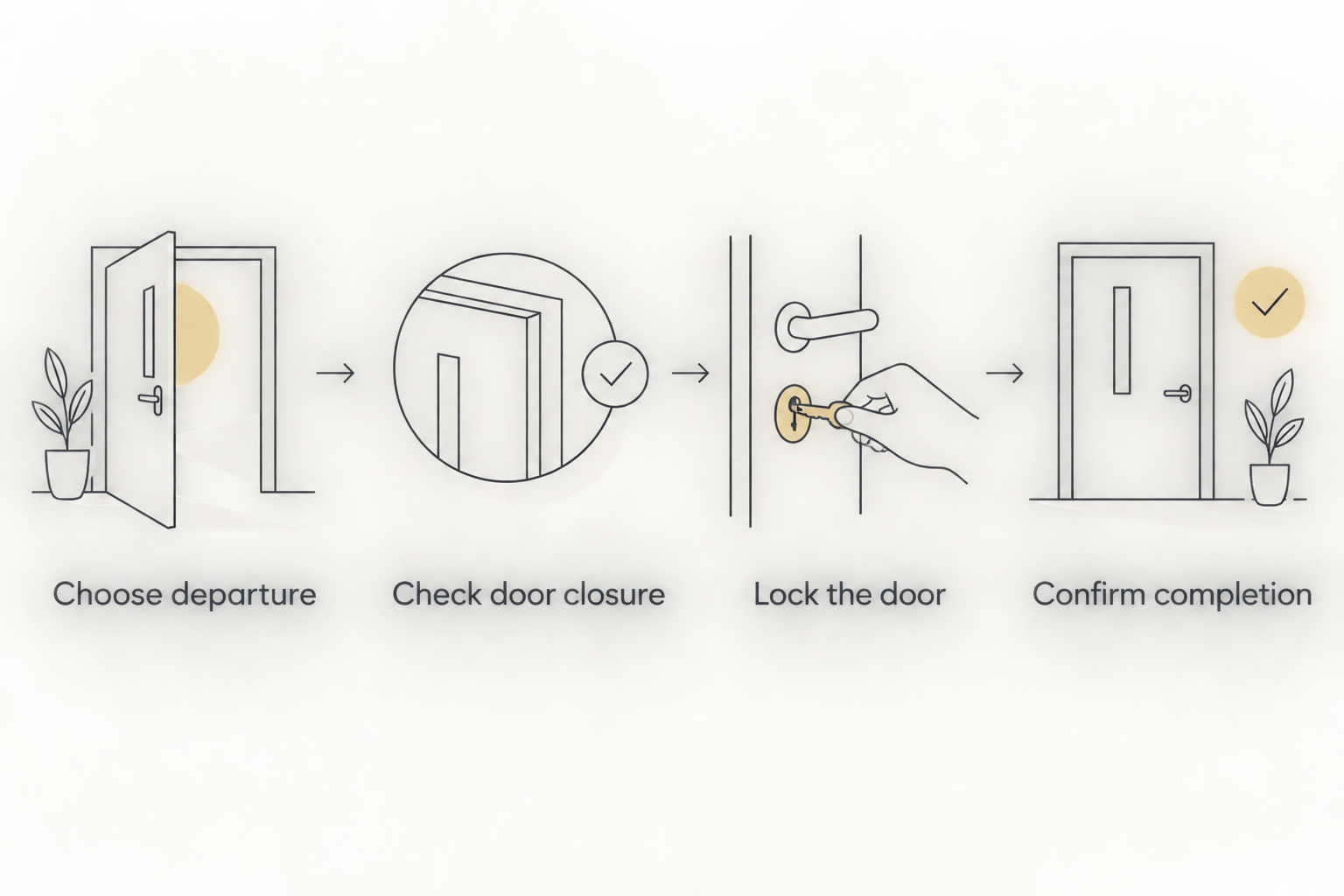
Check that the door is closed before sending the lock command.
A condition checked at departure is not necessarily checked again later. If you leave while the door is open, the routine might correctly skip locking but never retry after someone closes it; the next section addresses that gap.
Controlled testing
Test the physical outcome before depending on the automation. Keep someone with authorized entry available, and do not put your only working key or backup device behind the test door.
- Test normal departure. Close the door, produce the intended departure event, and verify both the app's report and the physical lock. Confirm that the bolt enters the strike without needing pressure on the door.
- Test an open door. With supervision and a clear doorway, confirm that the routine does not drive the bolt when the door reports open. Follow the manufacturer's precautions during testing.
- Test someone staying home. Leave with one participating phone while another enrolled resident remains. A last-person departure routine should not treat that event as an empty home.
- Test recovery. Confirm your supported backup-entry method works. Review what the manufacturer says happens when batteries, the network, or the automation connection fail.
Expected result: You know what the routine does during normal departure, an open-door condition, and a shared-household departure. Leave the automation disabled if any test produces an unexpected result.
Also lock when the door closes after departure
A useful adjacent workflow handles the person who leaves while the service door is still open. Rather than waiting indefinitely inside the departure routine, a separate door-close trigger can check whether the home is already marked away.
Configure this variant only if the platform exposes both the door-close event and a usable household-away condition:
- Use the service door changing from open to closed as the trigger.
- Require the household to be away if you want departure-only behavior.
- Send the explicit lock action to the service-door lock.
- Check the reported result and notify on failure where supported.
Expected result: Closing the door after departure gives the system another opportunity to lock it. If someone returns before closure, the occupancy condition determines whether the rule should still act.
For always-locked behavior, supported door-close relocking can operate without an away condition. That is convenient, but it also changes everyday use: stepping into the yard or garage can leave you on the locked side, so settle the backup-entry plan first.
Troubleshooting
The routine runs, but the door stays unlocked
Check the action history for a rejected command, an unavailable device, or a lock error. Compare that record with the physical door; a routine-start notification is not evidence of successful locking.
Try the documented manual control with the door closed. If that also fails, resolve the lock or connection problem before changing the departure trigger.
The bolt hits the frame
Disable automatic locking until the door and strike align correctly. Do not use a longer timer or repeated commands to compensate for a bolt that needs the door pushed into position.
A freely moving bolt with the door open but not closed points to a different problem from a lock that binds in both positions. Describe that distinction when requesting lock service.
The routine never detects departure
Review the platform's location and background-operation requirements, household enrollment, and presence history. Check whether the phone was actually outside the configured home area and whether another enrolled device still represented someone at home.
Do not remove other residents merely to make a test pass. Fix the occupancy model so it reflects how the household uses the property.
The door stays unlocked after someone closes it
Check whether the departure rule evaluated the open-door condition once and then ended. Add the supported door-close variant if you need another attempt after closure; do not assume an initial condition creates an ongoing wait.
Locking happens at unexpected times
Look for overlapping routines, a built-in relock timer, and automations created by other household administrators. Disable competing rules while testing, then retain only the behavior you understand.
Check the event history before changing delays. An incorrect trigger will not become correct simply because it runs later.
Customize the workflow without widening the risk
Keep departure locking separate from arrival unlocking. The fact that a platform can detect your phone leaving does not establish that automatic unlocking is appropriate or supported for this doorway.
For the physical hardware side, GO Locksmith is a mobile locksmith option for homeowners who need garage service-door lock repair, replacement, or rekeying. Review the confirmed locksmith services, and ask the equipment manufacturer about automation support; this guide does not establish compatibility or promise integration setup.
A rekey changes which key operates a compatible lock. It does not add a motor, door sensing, remote connectivity, or departure detection to a mechanical deadbolt.
FAQ
Can I automatically lock my garage service door when I leave home?
Yes, if your lock and automation platform support the required departure trigger and lock action. Use a supported closed-door condition, test the physical result, and keep a backup entry method accessible.
Is a garage service door the same as the overhead garage door?
No. A garage service door is a hinged pedestrian door, while the overhead door provides vehicle access; automating one does not confirm that the other is secured.
Can a regular deadbolt lock itself when I leave?
A conventional mechanical deadbolt cannot detect your departure or move its own bolt. Departure locking requires compatible powered hardware and a supported trigger; fit and suitability depend on the door and lock.
Will the lock know whether the door is open?
Only if the equipment has supported door-position sensing that the relevant automation can use. A report that the bolt is extended does not by itself establish that the door is closed.
What happens if someone is still home when I leave?
A supported last-person departure routine uses the enrolled household's presence rather than one phone alone. Guests, unenrolled residents, and incorrect phone permissions still need consideration because device presence is not direct proof of occupancy.
Will automatic locking work without internet?
That depends on where the rule runs and how the lock communicates. Check the manufacturer's documented offline behavior and test your backup-entry method instead of assuming a local lock feature and a remote departure routine behave alike.
Does GO Locksmith configure home-automation integrations?
Home-automation integration setup is not a confirmed service. GO Locksmith offers residential lock repair, replacement, rekeying, fresh installation, and lockout assistance; confirm the specific job by phone and consult the equipment manufacturer about integration support.
One last thing
A skipped lock command can be the correct safety outcome when the door is open. The missing piece is knowing it was skipped and deciding what should happen after closure—not forcing the bolt to move regardless of door position.
For a sticking lock, replacement, rekey, or garage lockout in Fort Myers or the confirmed Southwest Florida service areas, call (239) 412-1101 to discuss the job and check availability. Hours are Sunday–Thursday 7:00 AM–11:00 PM and Friday 7:00 AM–4:00 PM; Saturday is closed.